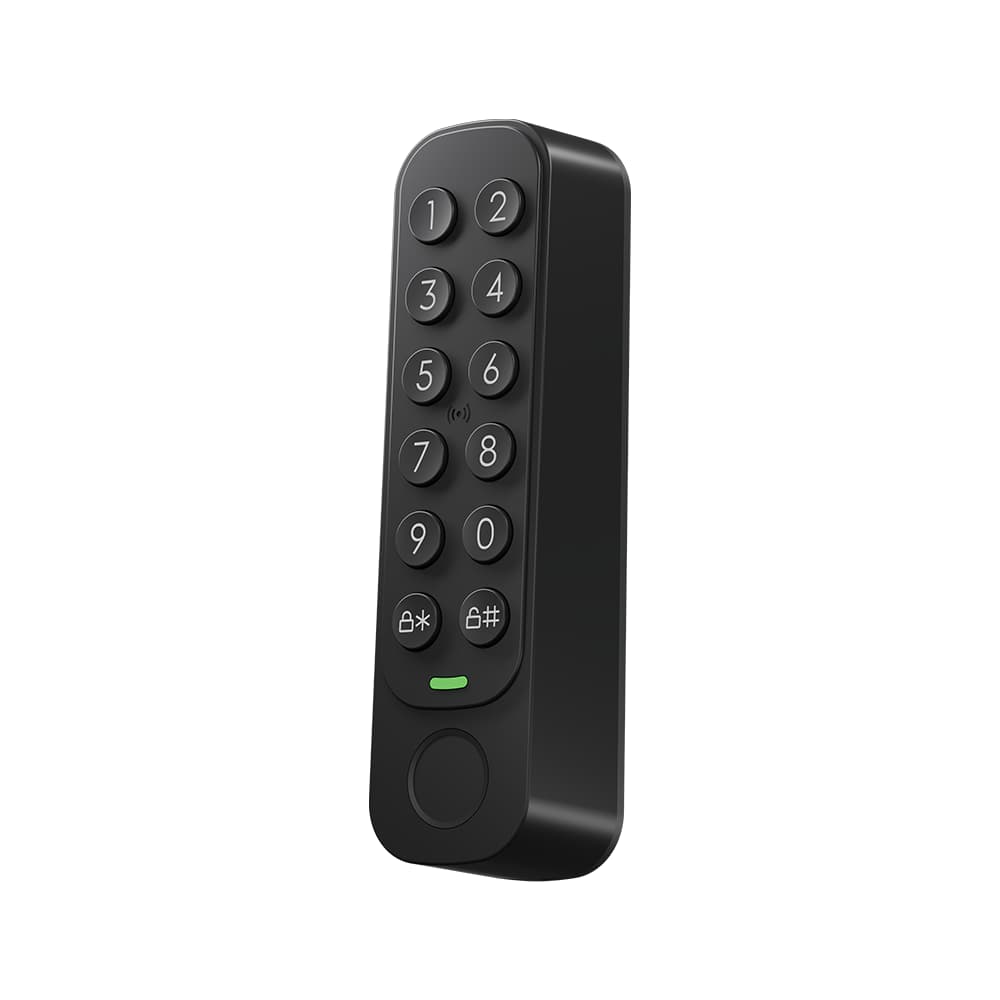
You save €23
Lunvik Core Start
Your door made smart, remotely too.
- Core
- Bridge
From €205Bought separately €228
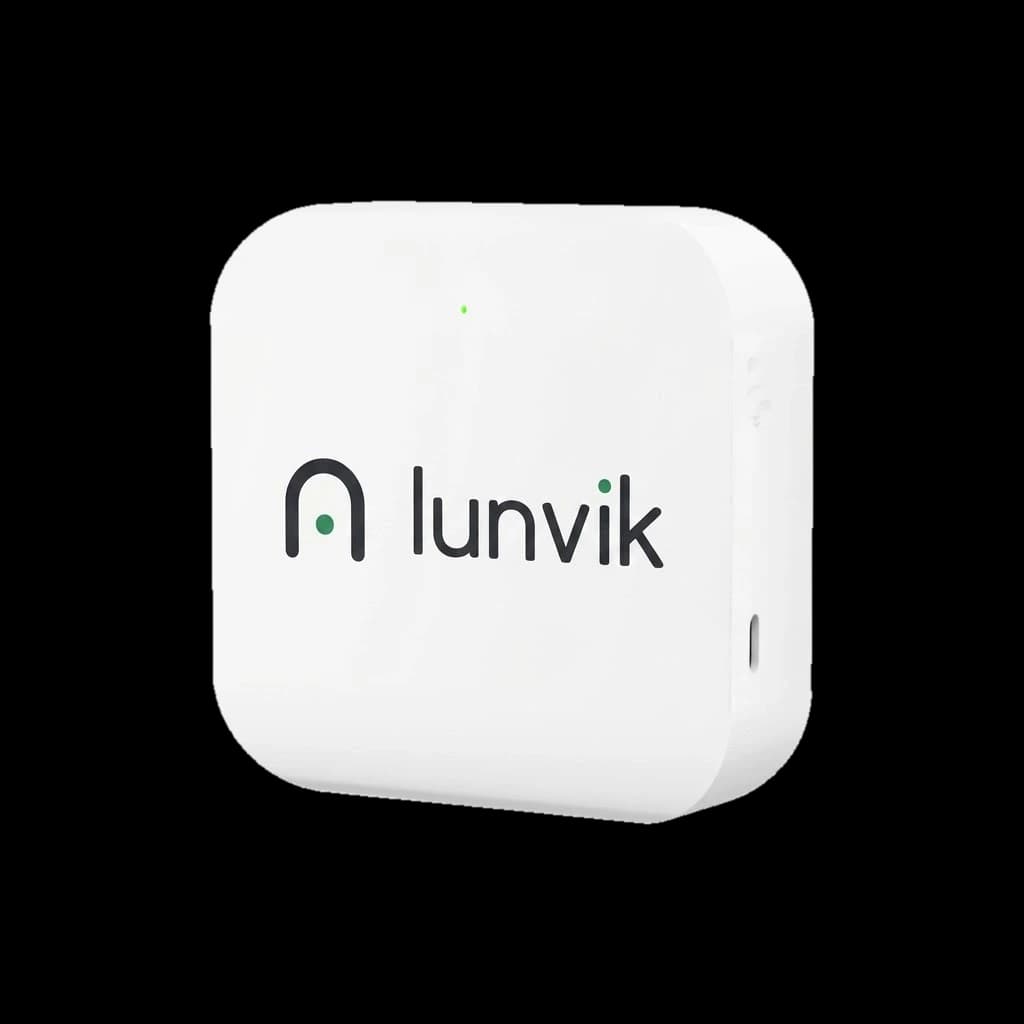
Wi-Fi bridge
Your lock within reach, wherever you are.
The Bridge connects your lock to your Wi-Fi. That lets you operate it remotely and receive notifications on your phone.
Works with:CoreCore TouchMotionHandleKeybox
€49incl. VAT
For anyone who also wants to operate the lock when they are not at home.
The Bridge connects your lock to the app over Wi-Fi, wherever you are.
You get a notification on your phone when the door opens.
70 × 70 × 26 mm, powered over USB-C.
Core, Motion, Handle or Keybox: the Bridge goes with all of them.
Your lock talks over Bluetooth, which only reaches a few metres. The Bridge picks up that signal and passes it on to your Wi-Fi. That way you reach the lock from the app, wherever you are.
When you are at the door you do not need the Bridge: your phone then talks to the lock directly.
Unlock from the app for the neighbour, the parcel courier or your child who forgot their card.
Give someone access through the app and withdraw it again, without having to be at the door.
The log in the app shows when the lock was opened and how.
The Bridge runs on 5 volts and 500 mA. A USB power supply or a socket with an adapter is enough.
Wi-Fi to 802.11 b/g/n. This Bridge does not work on a 5 GHz-only network.
The Bridge has to be able to pick up the Bluetooth signal of your lock.
Connect it with a USB-C cable, in a spot near your door.
In the Lunvik app, choose your 2.4 GHz Wi-Fi network and enter the password.
From now on you unlock from the app, even when you are not at home.
The Bridge has one light. As soon as it has power, the light shows what it is doing.
Specifications and marks as stated by the manufacturer.
The declaration of conformity will follow as a PDF.
Only use the batteries intended for this product and keep them out of reach of children. Take empty batteries and a discarded product to a collection point.
All about safe useThe contents of the box will follow.
Order the Bridge together with what goes with it and pay less.
You save €23
Your door made smart, remotely too.
From €205Bought separately €228
You save €31
Our tip
Open with app, card, code or finger.
From €276Bought separately €307
You save €23
Code, finger or card on the knob, and remote control.
From €205Bought separately €228
You save €20
Smart without replacing your cylinder, remotely too.
€178Bought separately €198
You save €28
Your existing cylinder made smart: a code or finger at the door, and remote control.
€249Bought separately €277
You save €15
For lettings without handing over keys.
€133Bought separately €148
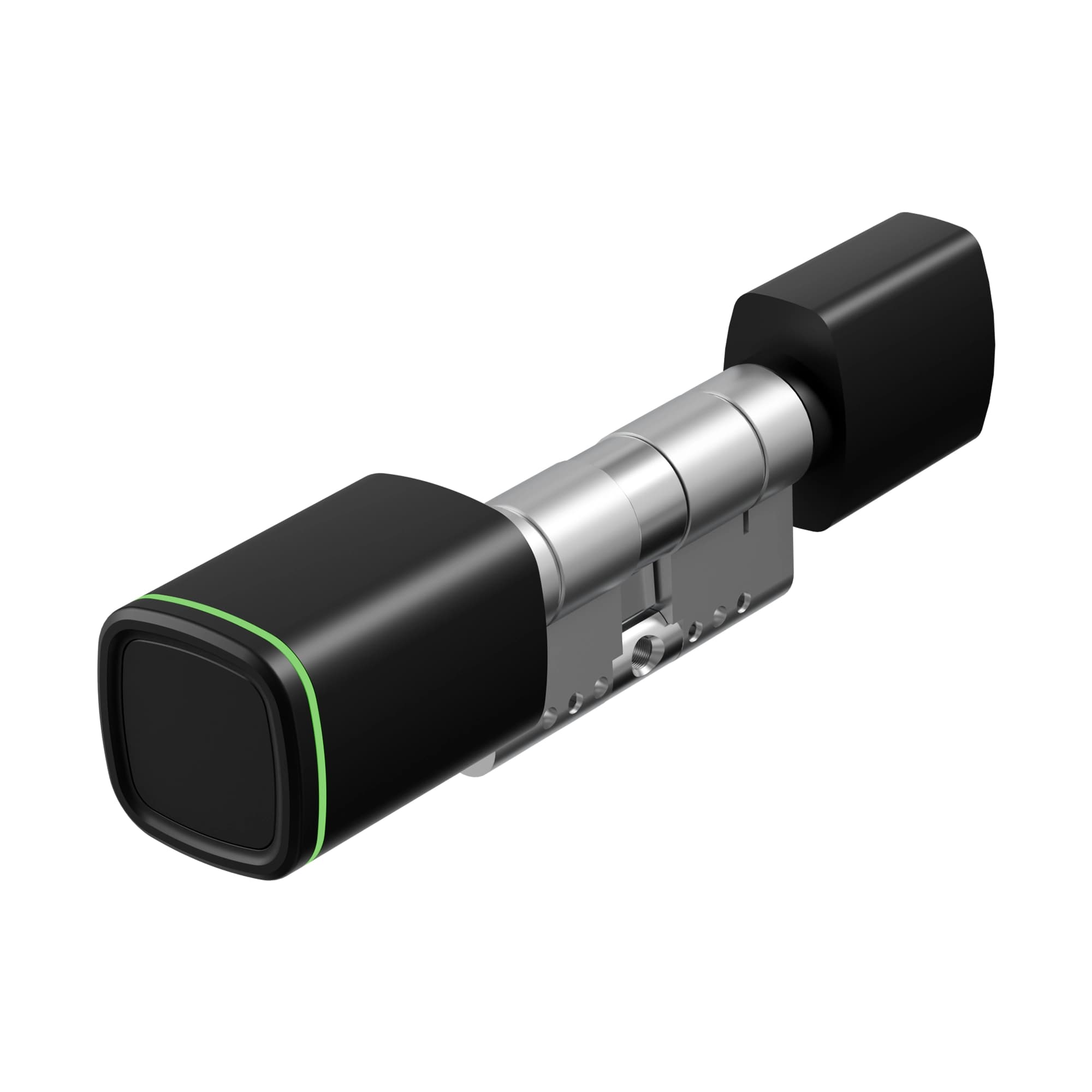
Smart cylinder
For anyone replacing their cylinder who wants to open the door with a phone or card, made to measure for their own door.
Open with
Only in combination with the Keypad
From€159
Configure this lock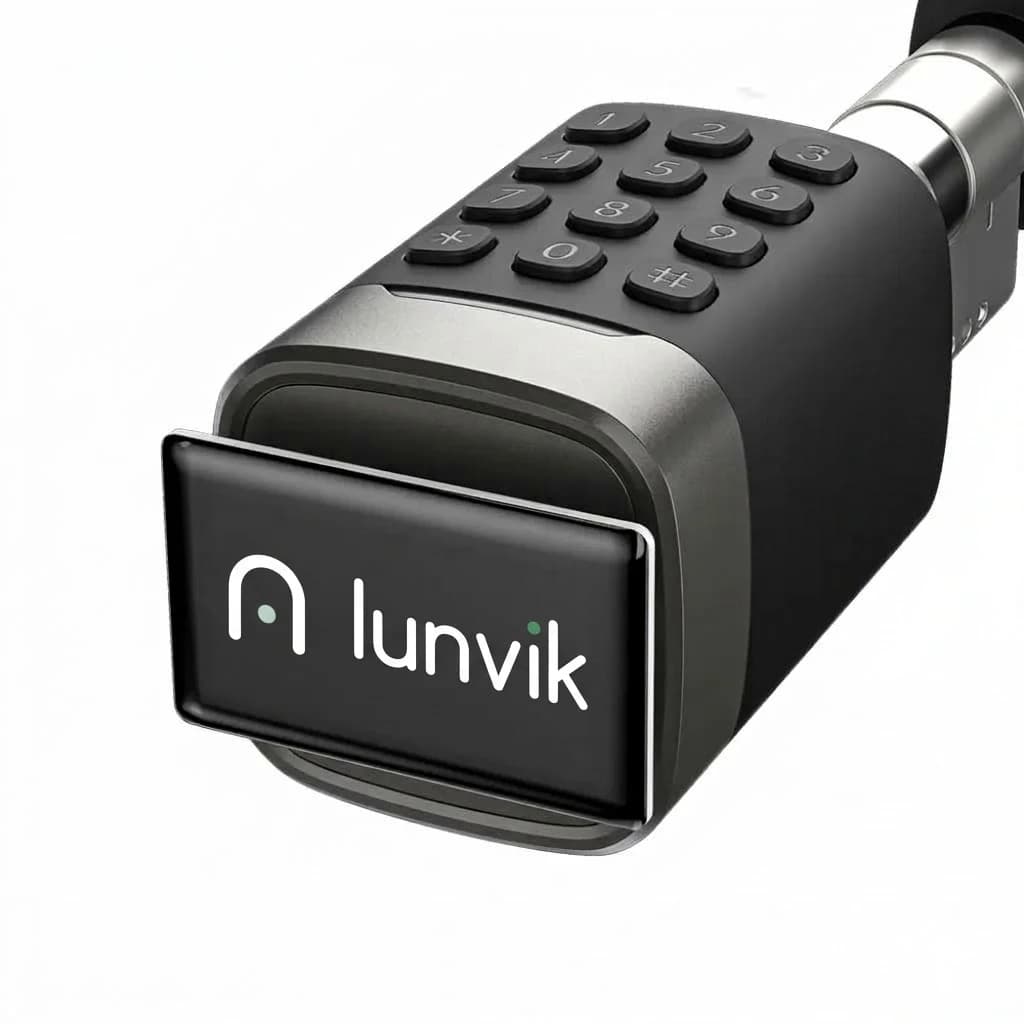
Smart cylinder with keypad and fingerprint reader
For a front door you want to get through without a phone: the family home, an office or a rental property.
Open with
From€209
Configure this lock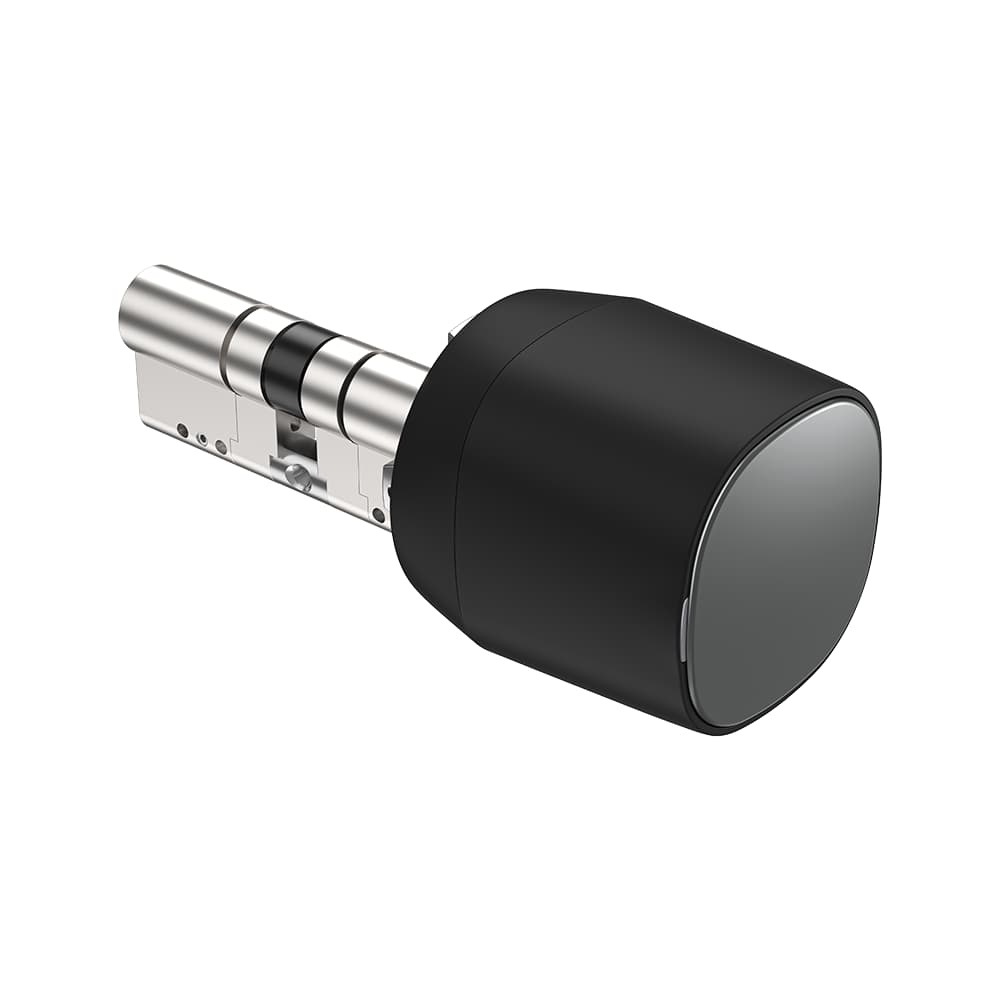
Motion motorised lock
Fits your existing cylinder, and locks and unlocks the door automatically. For anyone who does not want to replace the cylinder, or is not allowed to.
Open with
Only in combination with the Keypad
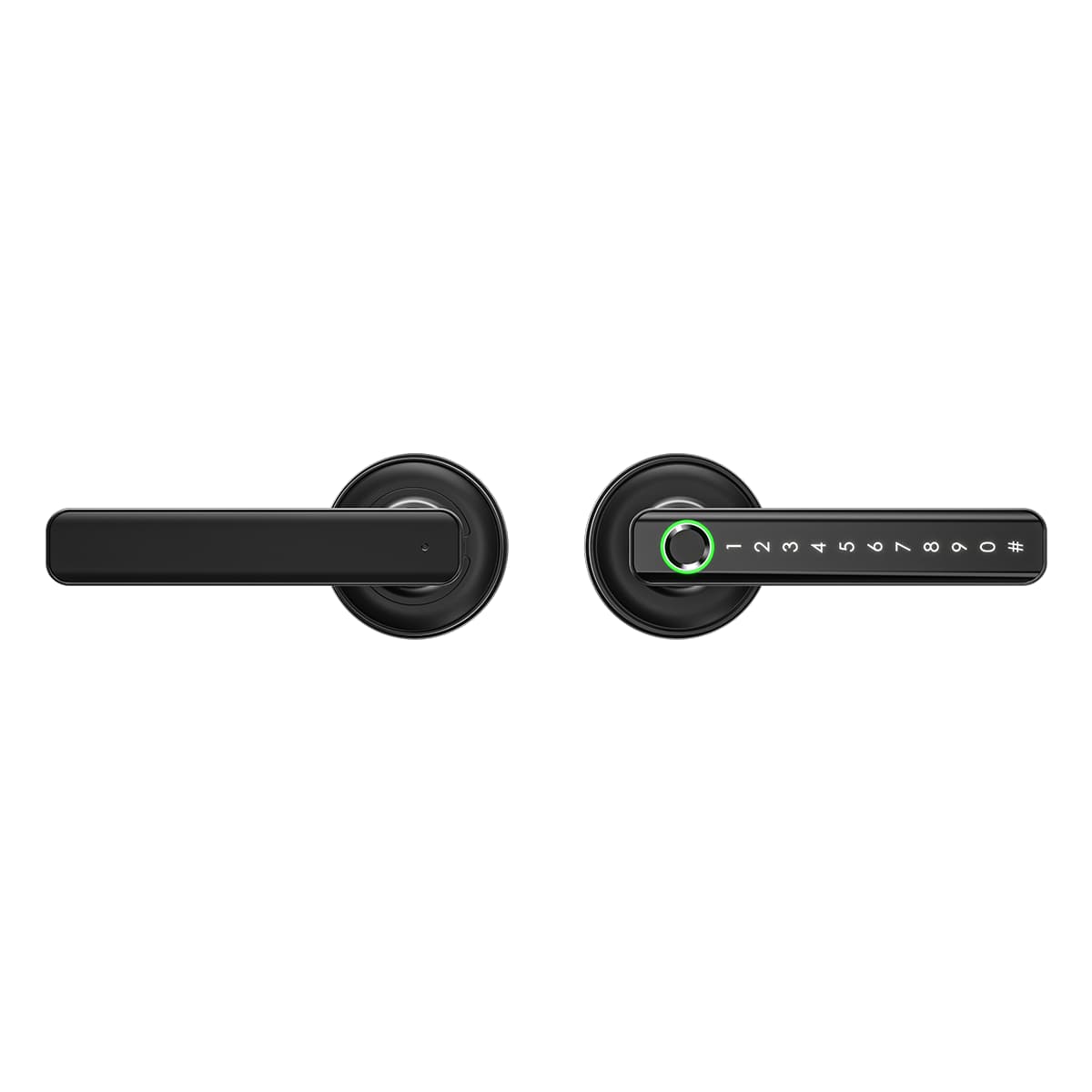
Smart door handle
For interior doors: an office, a rented room or the study at home.
Open with
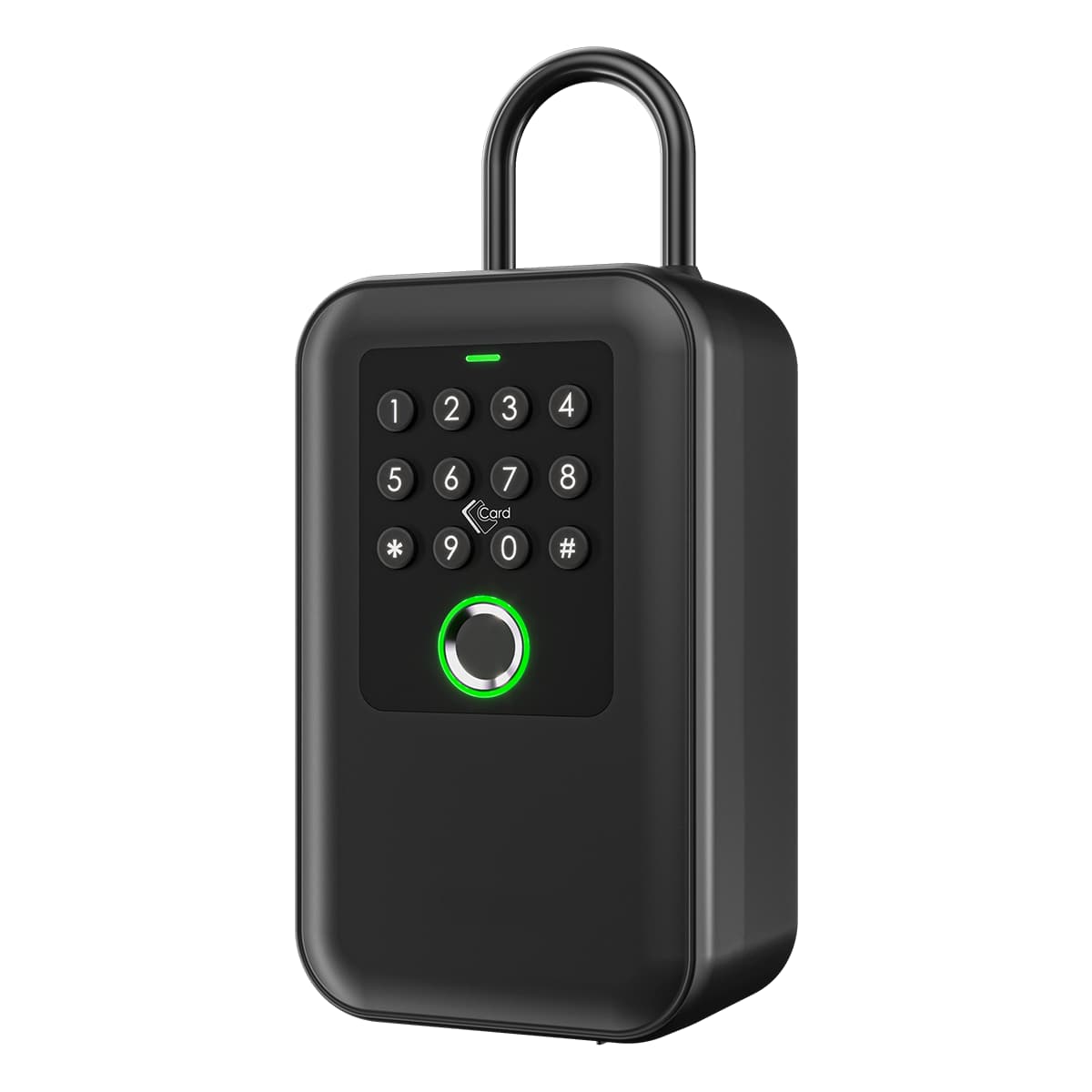
Smart key box
For lettings, a B&B, the cleaner or family who need to get in now and then.
Open with
No reviews yet. Only customers who bought this product from us can write a review.
Not to open the door when you are standing at it: that works over Bluetooth. You need the Bridge if you want to open remotely or receive notifications.
No. This Bridge works on a 2.4 GHz network (802.11 b/g/n). Most routers broadcast 2.4 and 5 GHz at the same time; choose the 2.4 GHz network in the app.
Over USB-C, at 5 volts and 500 mA. So it needs a USB power supply or a socket with an adapter nearby.
With the Lunvik Core, Core Touch, Motion, Handle and Keybox. You manage them all in the same app.